
At the car door, a parent pauses with the phone because the child in the back seat is already asking what to tap first. That first doorway is the review point.
Start with the First Doorway
A parent reaches for the phone at the car door, then pauses because the child in the back seat is already asking what to tap first. That first doorway matters.
For KidNation review, look at the path a child sees first. Can they find stories, games, playlists, or creative activities without guessing? Can a grown-up understand what each area is for?
When a Kids App Moment Gets Messy
The hard part is not always the content. Sometimes the trouble is speed. A child taps too fast, gets frustrated, or lands somewhere that feels unrelated to the activity.
A calmer experience gives kids ages 5-8 a few clear choices instead of a pile of competing buttons. Profiles, categories, and sections should help the experience feel organized enough for a child and reviewable enough for a parent.
- Check whether labels are easy to understand.
- Look for a clear way back to the starting point.
- Notice whether the activity invites making, reading, moving, or talking.
Try This at Home During Review
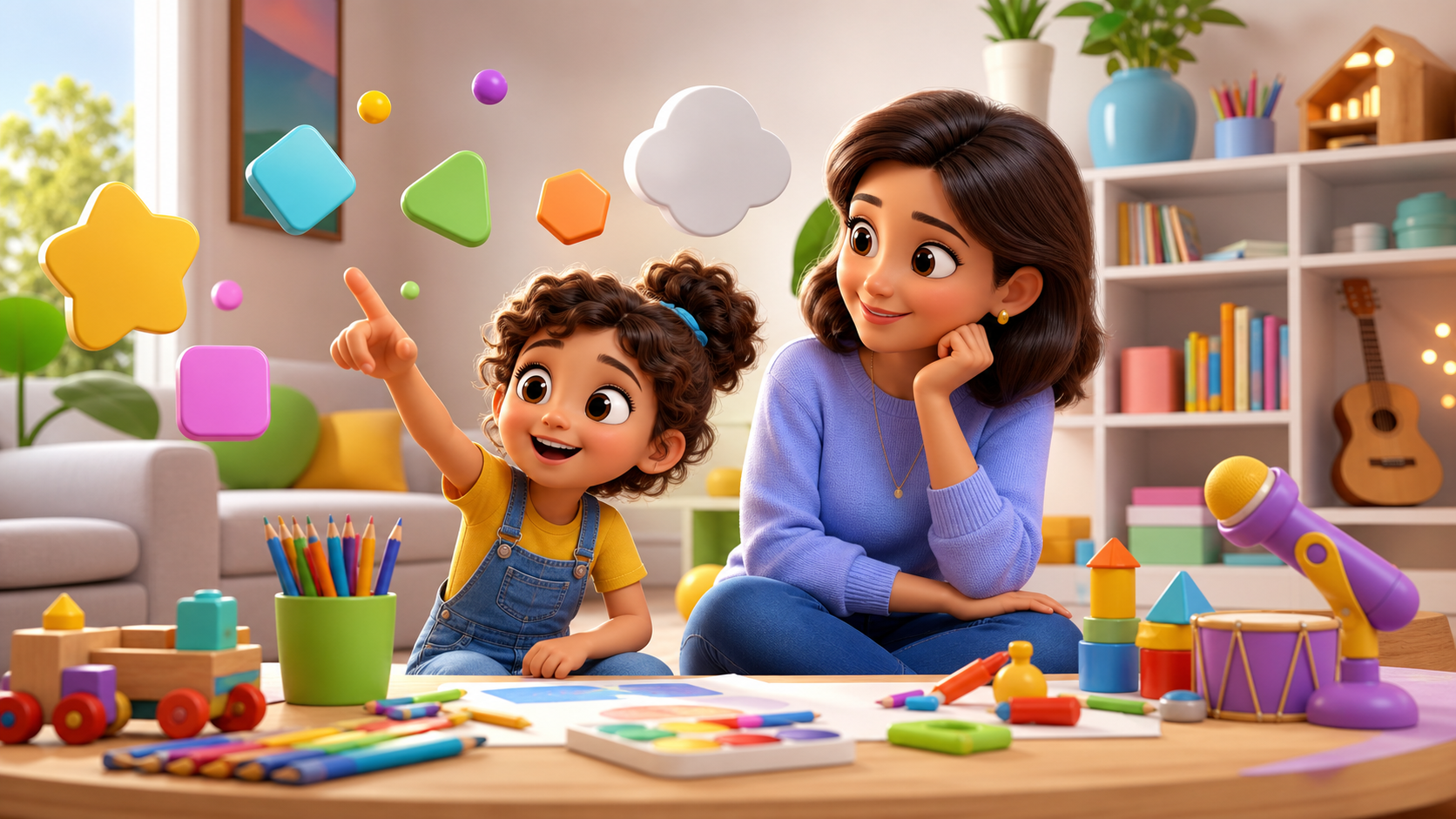
At home, sit beside your child for five minutes and ask them to explain where they would go first. Do not correct every tap. Listen for confusion. If your child says, I do not know, that is useful feedback.
Then ask for one creative next step. They might read aloud from Storyteller, choose a hero and villain for a 10-page story, practice one vocabulary word in Word Ninja, or save a favorite idea to a profile routine.
Classroom Lens for Educators
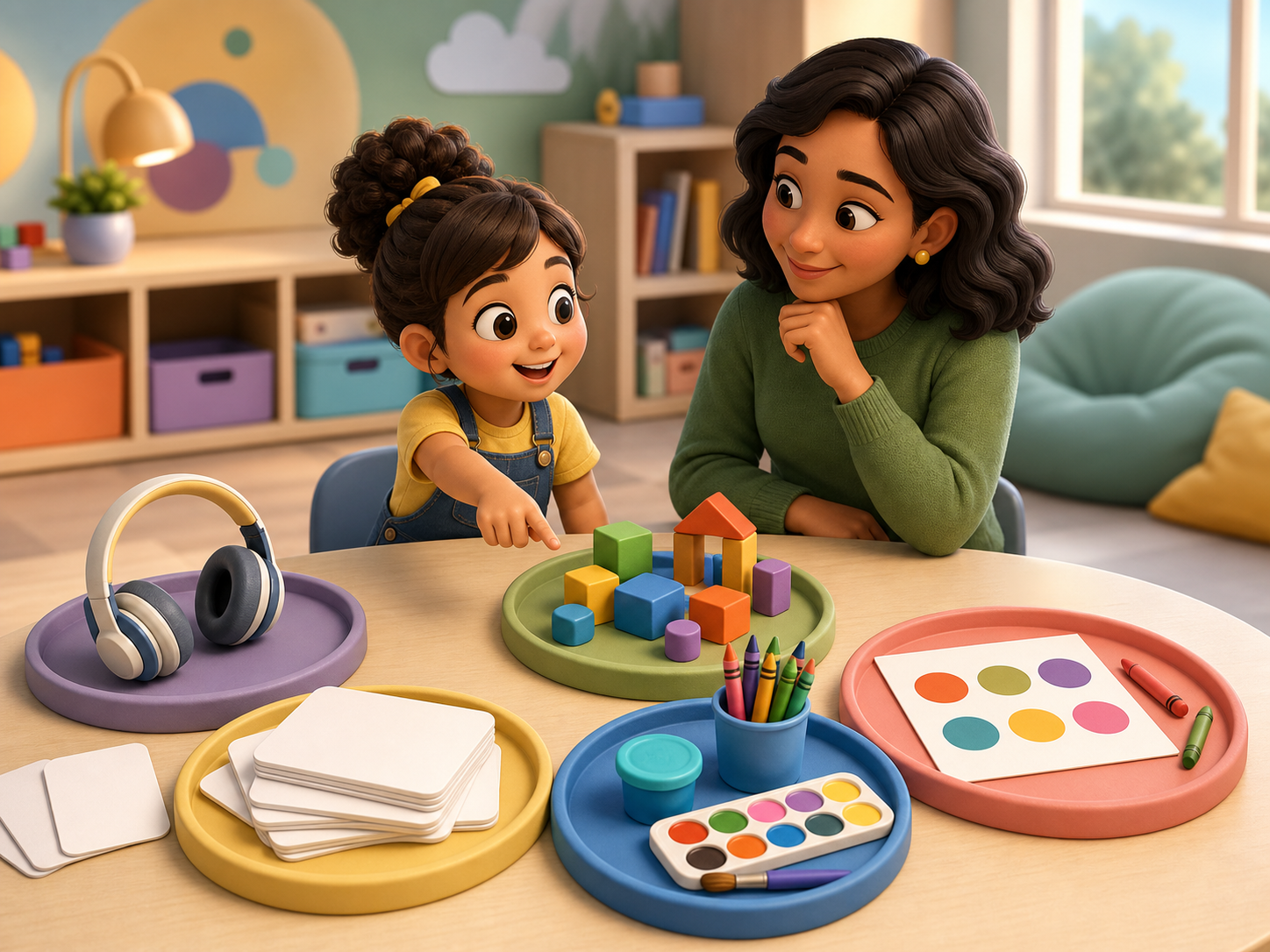
Teachers can review the same experience with a classroom question. Could students use this for a short station without constant rescuing? A good station has a clear start, one activity job, and a simple way to share what students made or noticed.
For a story station, students might describe the hero. For a word station, students might use one Word Ninja vocabulary word with a partner. For a playlist or creative activity, students might draw one response before rotating.
Parent Trust Signals
A safer creative kids app should make parents feel oriented. The strongest signals are plain labels, consistent profiles, clear creative activities, and language that does not promise more than the product can support.
For this post, keep the promise careful. KidNation can be described as a kid-focused space for stories, vocabulary games, profiles, playlists, and discovery. Avoid store timing, medical claims, and firm outcome claims.
Watch the Child Explain the Path
A safer creative experience should be easy for the child to explain after a few minutes. Ask what did you choose, what happened next, and what are you making. If the answer is only I do not know, the design may be too noisy or too passive for that moment.
KidNation keeps the creative path tied to recognizable choices. Storyteller asks for ingredients like a hero and a villain, then builds a 10-page story with read aloud. Word Ninja gives vocabulary practice a named game space. A child profile keeps each child’s activity connected to their own interests and pace.
Keep Parent Trust Plain and Specific
Trust is easier to judge when the grown-up knows what to look for. Is the child creating, choosing, reading, moving, or explaining? Are there clear stopping points? Does the activity still make sense when the sound is low? Those questions are more useful than a vague promise that something is educational.
For kids ages 5-8, clarity matters because attention can shift fast. If the child gets stuck, the experience should offer a simple return path. Choose again. Hear the page again. Try one word again. Those small repairs help families keep the moment calm.
Check the Return Path
The strongest test happens after the screen is set down. Can the child retell one part of the story? Can they use one vocabulary word at dinner? Can they show a parent what they made? A creative tool earns trust when it leaves the child with something to say or do afterward.
Teachers can use the same lens in a classroom. A short activity should connect to a partner sentence, a drawing, a movement, or a share-out. If the room gets loud or wobbly, the return path brings everyone back to one clear action. That is the difference between busy screen time and a creative routine with shape.
Look for Calm Endings
The ending of a creative moment tells parents a lot. A child should be able to stop, name what they made, and move into the next part of the day without a long fight every time. Hard stops still happen, especially when kids are tired, but the design should make a calm ending possible.
A clear ending might be the final page of a story, one finished word challenge, or a saved idea for later. Families can use that endpoint before dinner, homework, or bedtime. The child leaves with a sentence to share, and the grown-up has a clean place to pause.
FAQ
What should parents check first? Start with the home screen path and ask whether a child can explain the next step in one sentence.
Does safer mean parents step away? No. For kids ages 5-8, the best review still includes a grown-up nearby, especially during new activities.
Which KidNation features belong in this review? Storyteller, Word Ninja, profiles, playlists, categories, and creative discovery are the main experience areas to inspect.