
At 7:31, one child wants stories, another wants music, and the shared tablet is already open on the kitchen table. Profiles can help each child return to a KidNation space that feels set up for them.
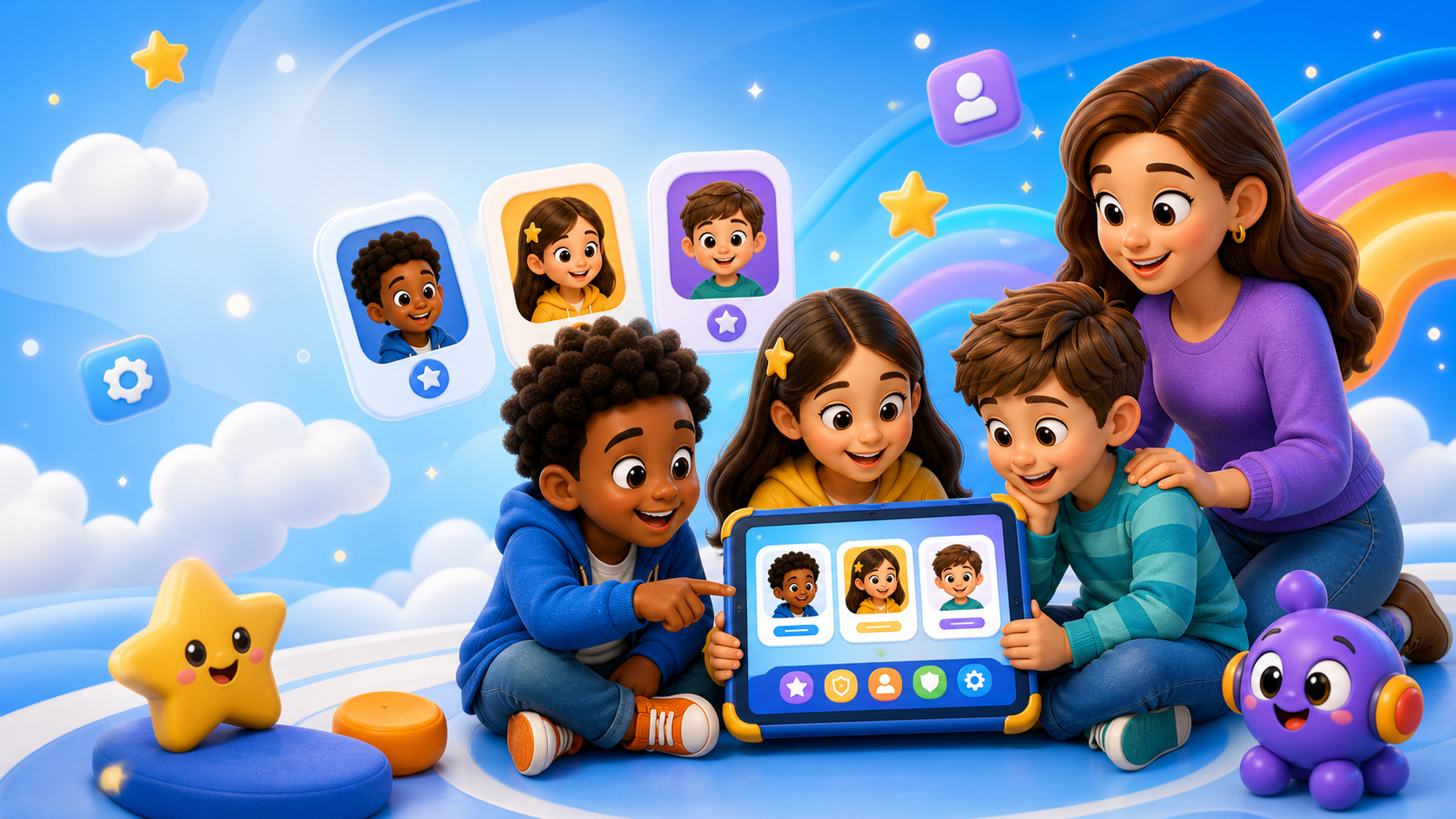
Why Profiles Help Families
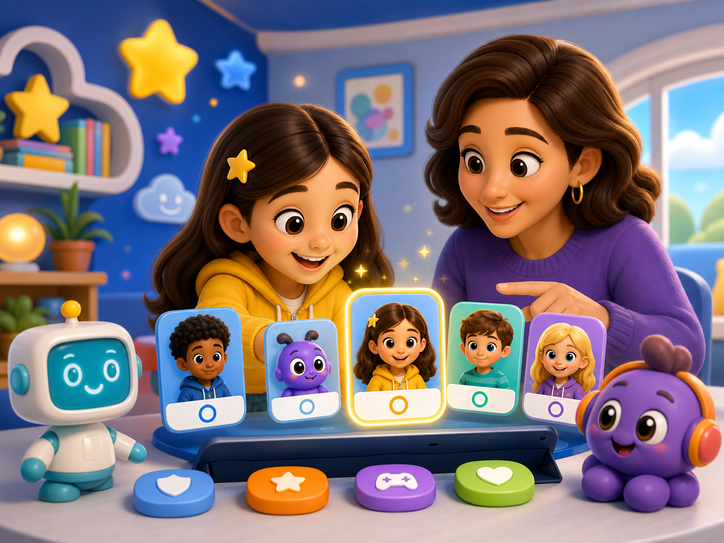
Profiles can make a shared family device feel more organized. Each child can return to a space that feels more familiar and age-aware, while parents get a clearer way to separate one child experience from another child experience.
- Built from KidNation mobile app docs
- Designed for kids ages 5-8
- No song or video library source used
What KidNation Adds
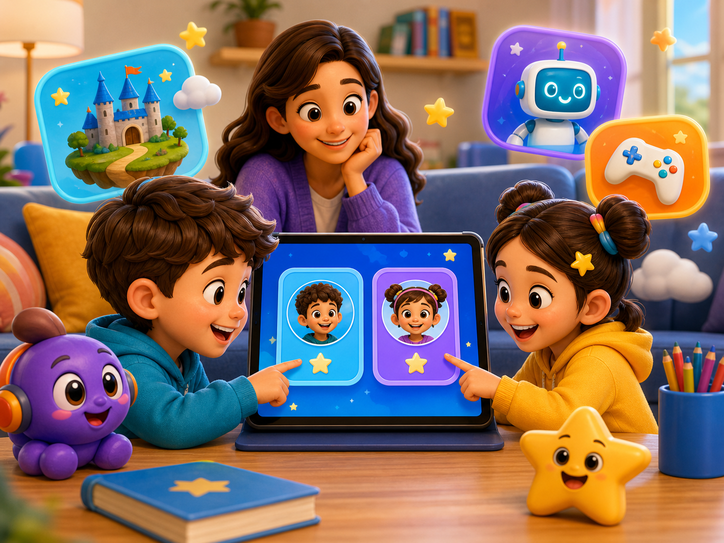
The documented profile experience includes create-profile and choose-profile routes, a preferredAge field, profile playlists, and story connections. Together, those pieces help define what the profile can cover without leaning on unsupported recommendation claims.
- Built from KidNation mobile app docs
- Designed for kids ages 5-8
- No song or video library source used
Create A Clear Starting Point
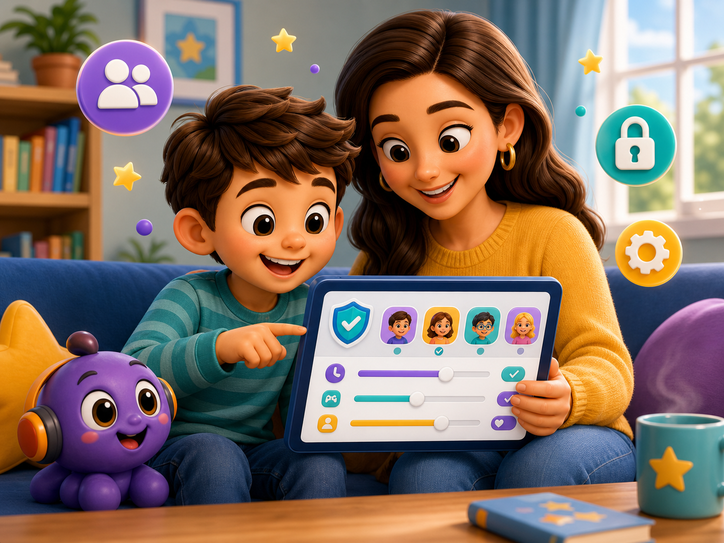
A profile gives families a simple way to begin. Instead of treating every child the same, the experience can start with a child-specific space that is easier to recognize and return to. This is especially helpful when a younger child needs a simpler starting point while an older child is ready for more independent exploration.
- Create a profile
- Review the age setting
- Let kids recognize their own space
Make Shared Devices Easier
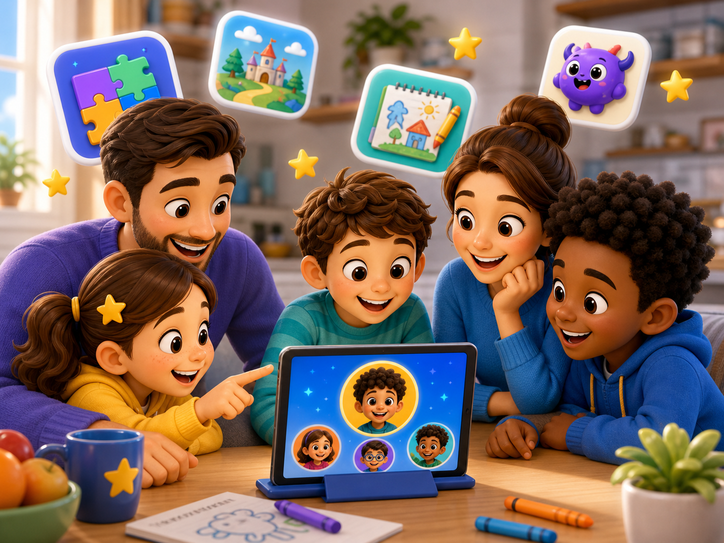
When more than one child uses the same device, profiles can reduce friction. Kids can return to their own saved area without parents rebuilding the experience every time. That can make app time feel calmer because the first step is choosing the right profile instead of sorting through a mixed set of preferences.
- Switch profiles intentionally
- Keep names easy to recognize
- Review profiles together
Use Personalization Carefully
It is better to say profiles help the experience feel more personal than to imply advanced recommendations beyond the documented fields. The documented pieces support language around profile setup, preferred age, profile playlists, and profile stories. That gives the blog a clear foundation while keeping parent-facing copy accurate and review-friendly.
- Avoid unsupported recommendation claims
- Use profile language from docs
- Keep parent expectations clear
Turn Profiles Into Conversation
Parents can ask each child what they want their profile to help them find next. It might be a story, a game, a word activity, or a creative moment. This turns profile setup into a short family conversation about what each child enjoys, what feels easy, and what they may want to try next inside KidNation.
- What do you want to try?
- What felt too easy?
- What should we look for next?
Source note. This article uses KidNation mobile app Claude docs as source context for Profiles and personalization. The song and video library is not used as a content source for this draft.
When Profiles Do Not Solve the Whole Problem
If siblings get frustrated, choose the wrong profile, or want the same activity at the same time, keep the fix practical. Pause, name whose turn it is, and let each child pick one thing for their own profile later.
Make KidNation feel personal
Explore stories, games, profiles, and creative discovery built for kids ages 5-8.