
At the kitchen table, two siblings reach for the same tablet, but one wants word games and the other wants a story. A simple child profile can make the first choice feel calmer and more personal.
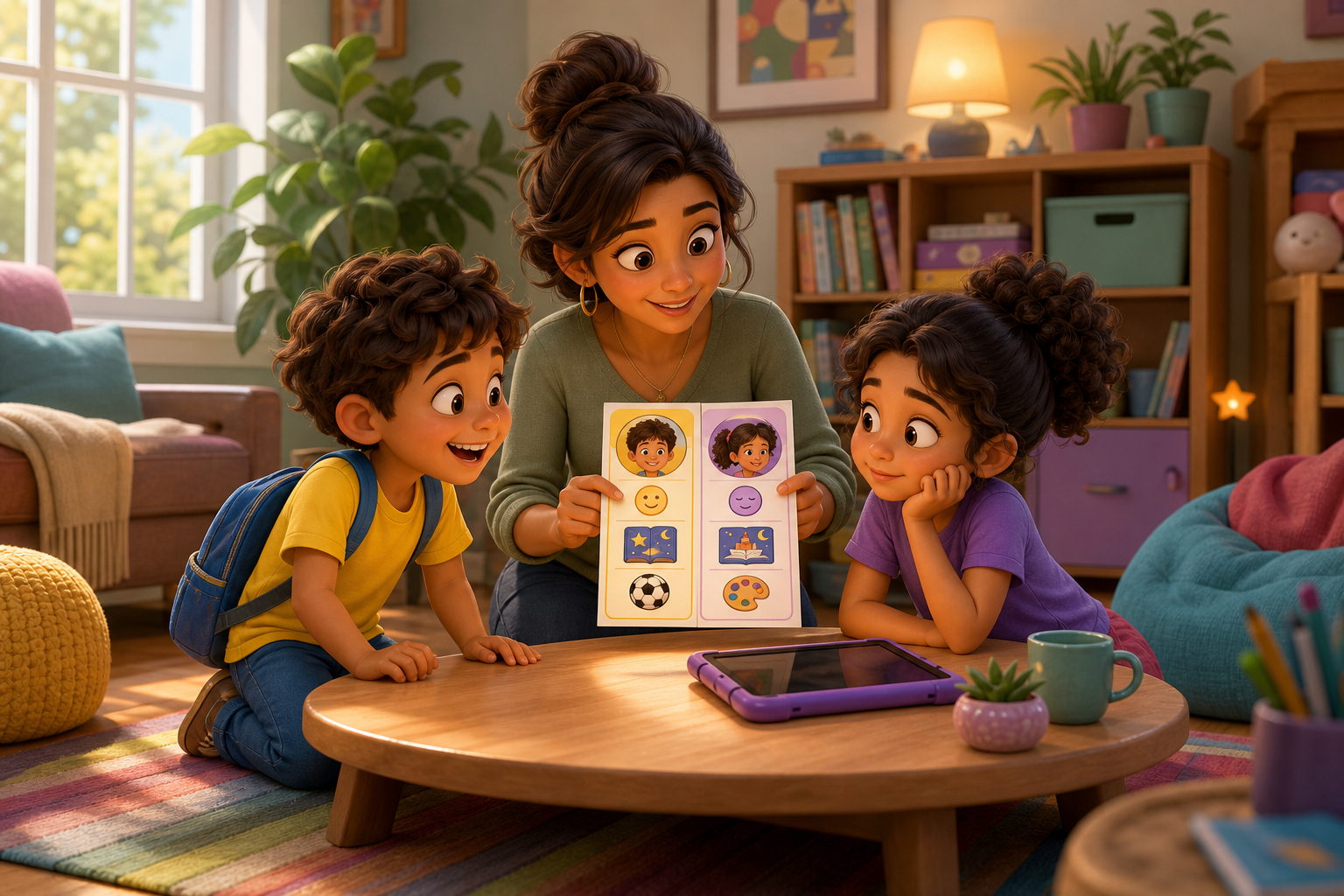
One child opens an app looking for a quick word challenge. Another wants a story voice and a quieter start. A child profile helps the first choice feel less like a fight over one shared screen.
For kids ages 5-8, personalization does not need to feel complicated. It can be as simple as choosing the right age range, saving a name, and helping each child return to activities that fit them.
Why One Setup Rarely Fits Every Child
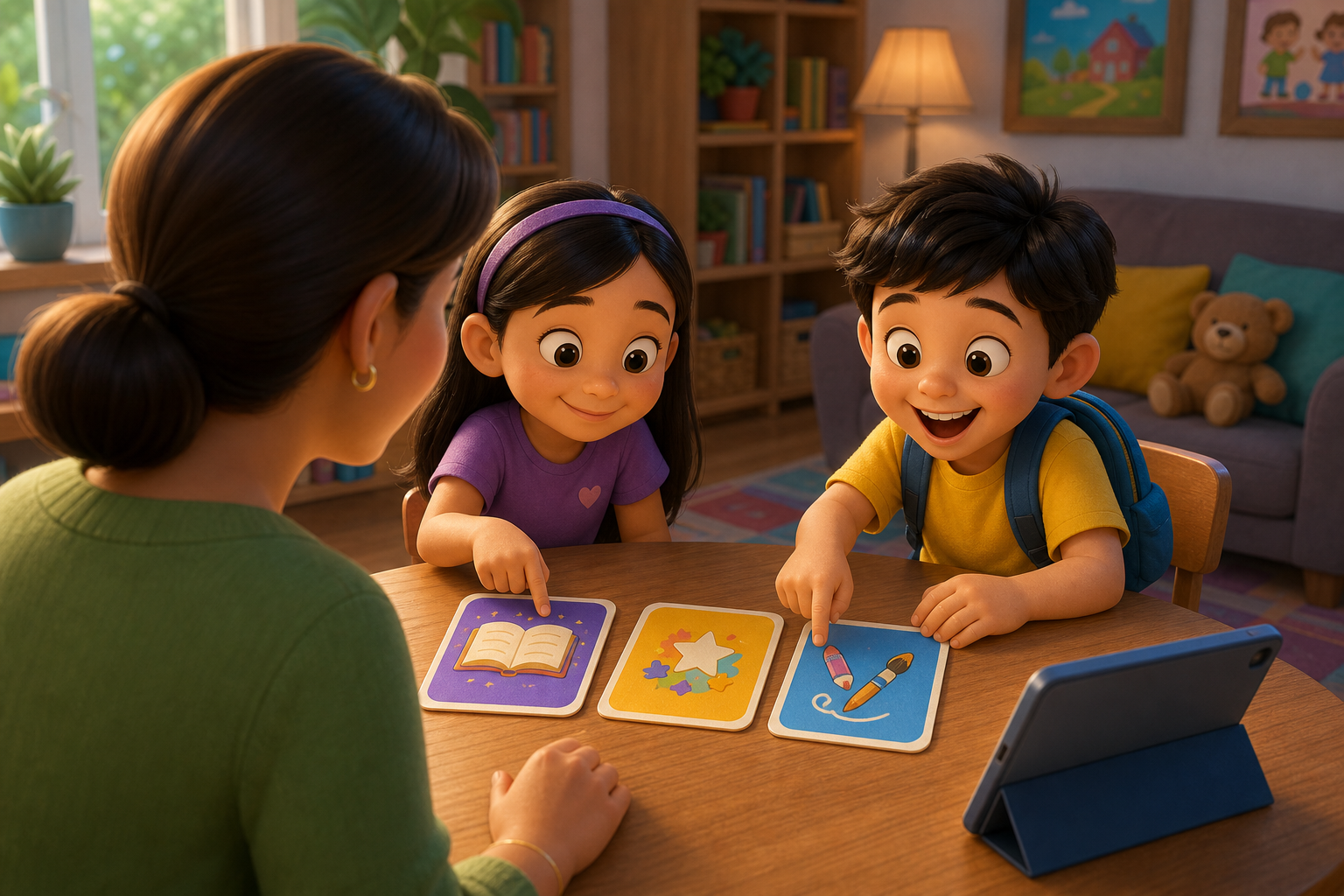
Siblings often share devices, but they rarely share the same mood, reading confidence, or attention span. One child may want fast feedback. Another may need a slower story moment before they are ready to try.
Profiles give families a way to separate those needs. The goal is not to promise perfect recommendations. The goal is to make app time easier to start, easier to supervise, and less likely to fall apart when two kids want different things.
A Simple Profile Check for Families
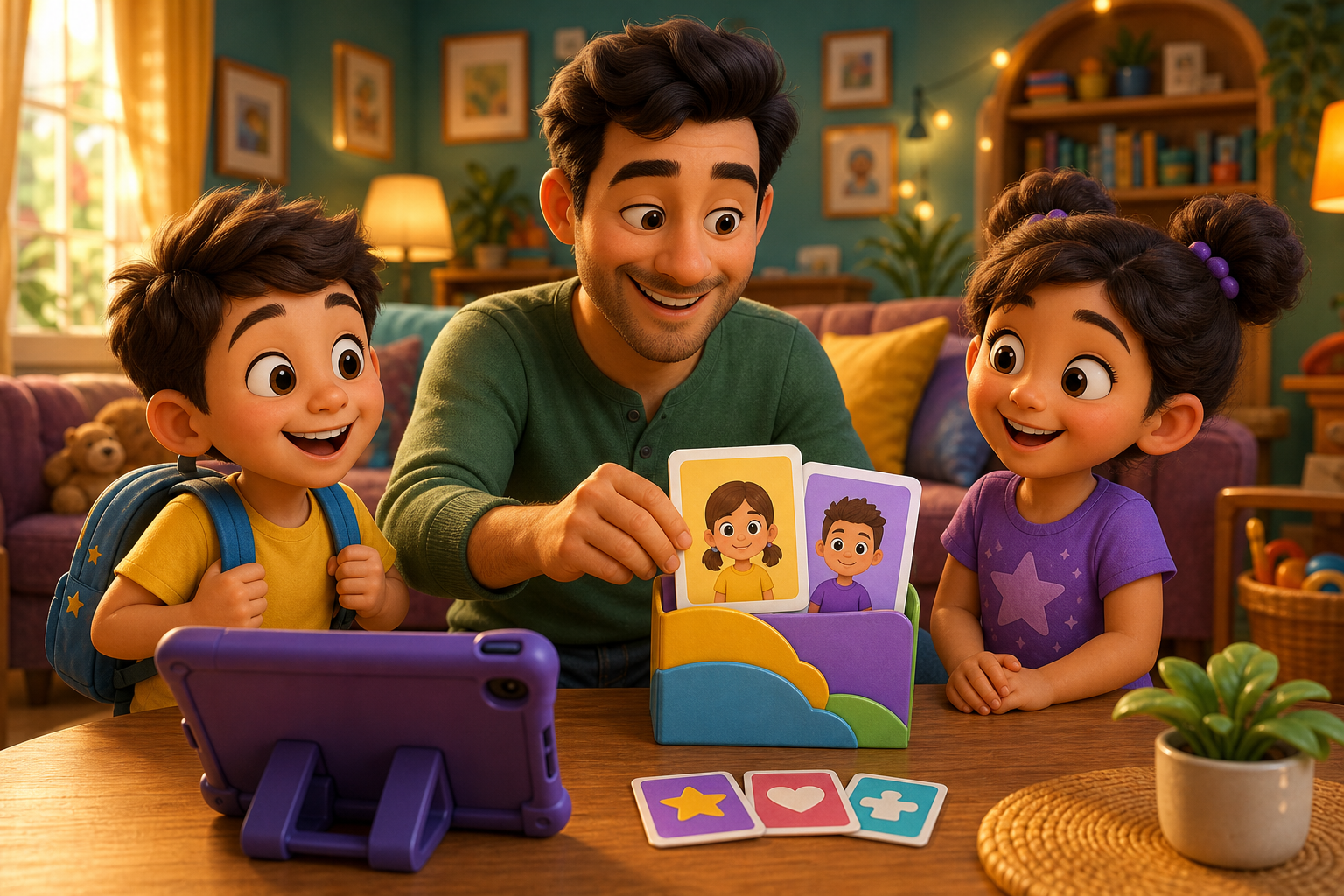
Before the next app session, ask three quick questions. Who is playing today? What kind of activity feels right? Does this child need reading, word practice, creative play, or a calm start?
If the answer is word practice, Word Ninja can give that child a focused challenge. If the answer is imagination, Storyteller can let them choose a hero, villain, setting, and genre for a 10-page illustrated story read aloud.
A Shared-Device Version for Busy Rooms
In a classroom, library, or after-school space, profiles can support a simple turn-taking routine. Start with the child’s name, choose one activity type, and end with one sentence about what they tried.
This helps grown-ups notice patterns. If a child keeps choosing word play, lean into vocabulary. If another keeps choosing stories, invite them to describe one character or setting after the session.
When Kids Want Different Things
If your child resists switching profiles or gets frustrated when a sibling chooses first, pause the app and name the turn order. A profile helps most when the grown-up still sets the rhythm.
Try saying, “This is Maya’s word round. Your story round is next.” Clear language keeps the profile from becoming another thing to argue over.
Use Profiles in KidNation
KidNation profiles give families a clearer way to make app time feel more age-aware and personal. Use the profile as a starting point, then choose a short Word Ninja challenge or a Storyteller read aloud that matches the child’s moment.
FAQ
What should parents set up first in a child profile?
Start with the basics: the child’s name, age range, and the kind of activity they are ready for today.
How can profiles help siblings share one device?
Profiles make turns easier to name. Each child gets a clearer start instead of everyone arguing over the same opening screen.
What if a child chooses the same activity every time?
That can be useful information. Keep the favorite, then offer one nearby choice when they seem ready for variety.